
As a gift card trader, you will want to check your Sephora gift card balance before selling it to ensure a smooth transaction. Many users reach out to the CardHorse customer support team and ask: can I check the Sephora gift card balance without redeeming the card first? The answer is yes. Read on to learn how to check your Sephora gift card balance.
Step 1: Visit the official Sephora Gift Card page
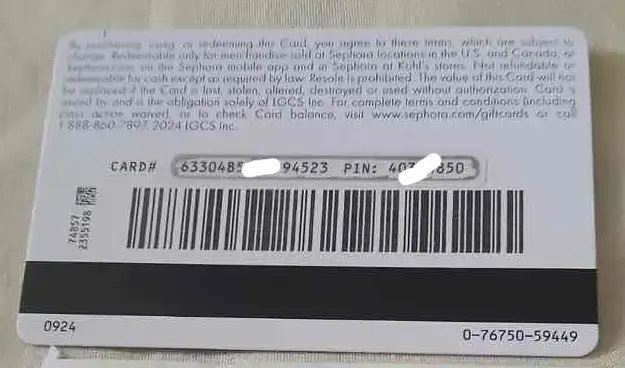
CardHorse currently only supports Sephora gift cards issued in the USA and Canada. You can check the balance for both US and Canada Sephora gift cards via this link: https://www.sephora.com/beauty/giftcards
Step 2: Enter your card number and PIN to check the balance
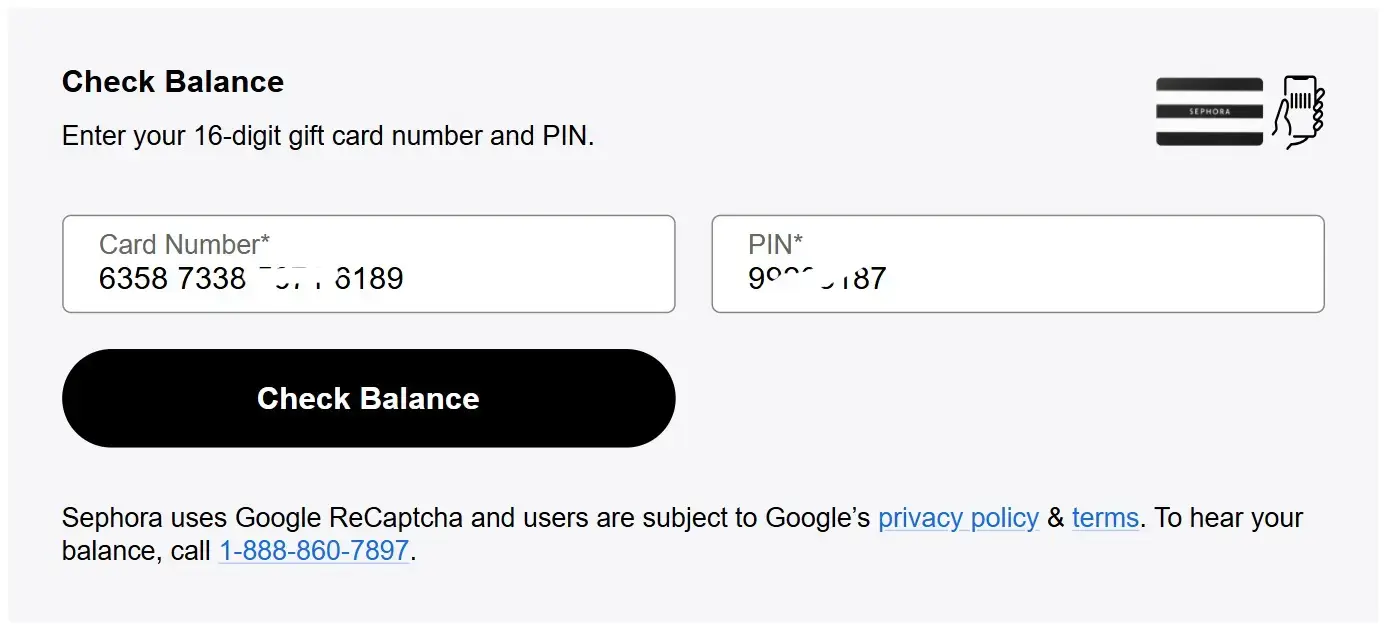
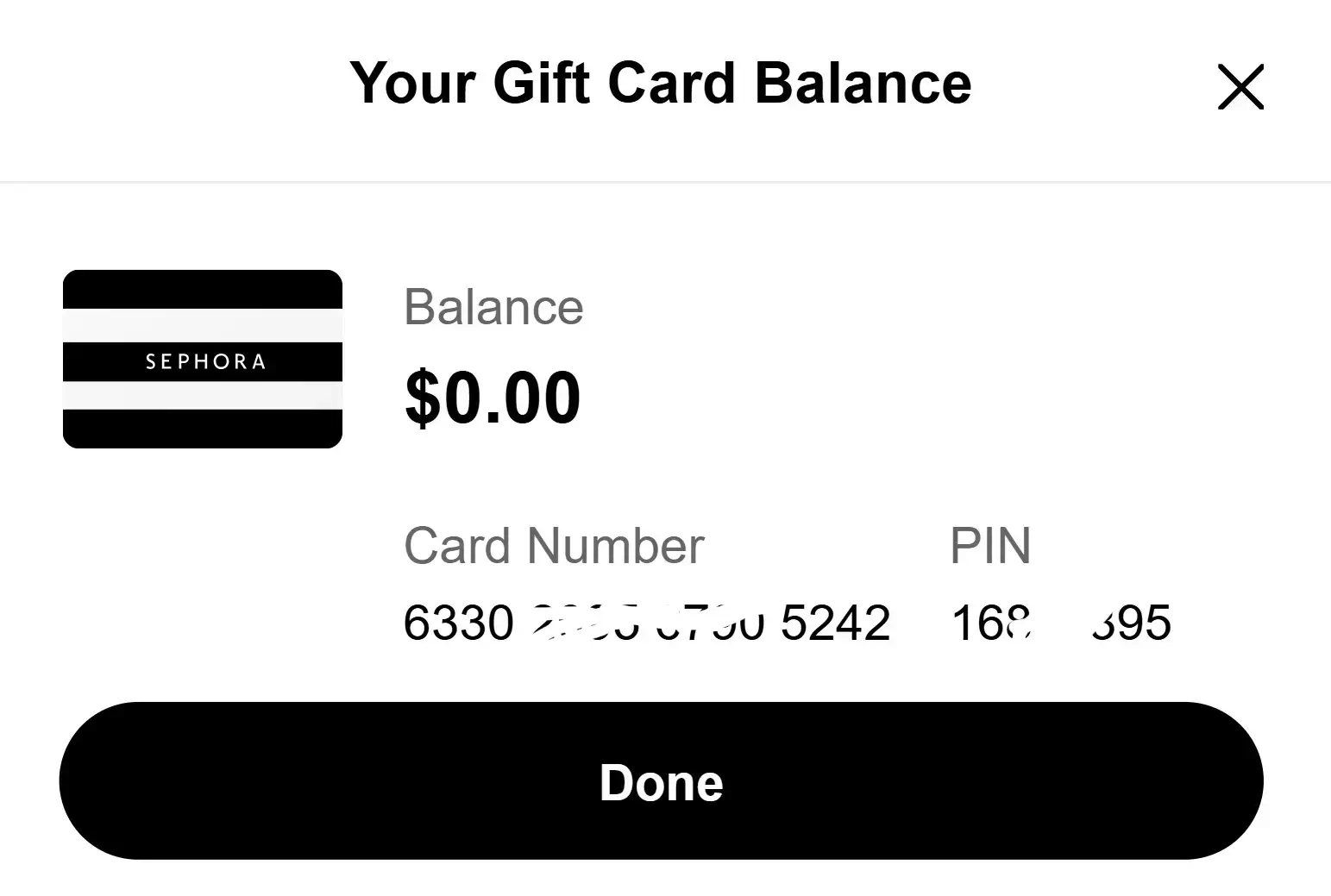
You do not need to create a Sephora account or redeem the gift card into your account to look up the balance. Enter your 16-digit gift card number and 8-digit PIN, then click the “Check Balance” button. If the card number and PIN you entered are correct, your current gift card balance will appear.
Between September and October 2026, CardHorse completed nearly 200 successful Sephora gift card trades, including US and Canada cards. If you have a Sephora gift card to sell, trade with CardHorse. We offer competitive rates and fast transaction processing.
This guide has been fact‑checked by our customer service team.